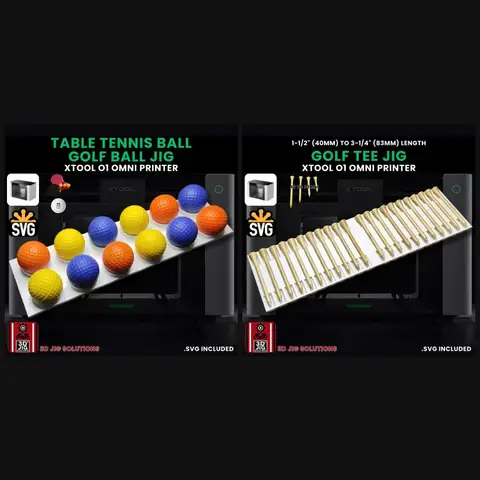
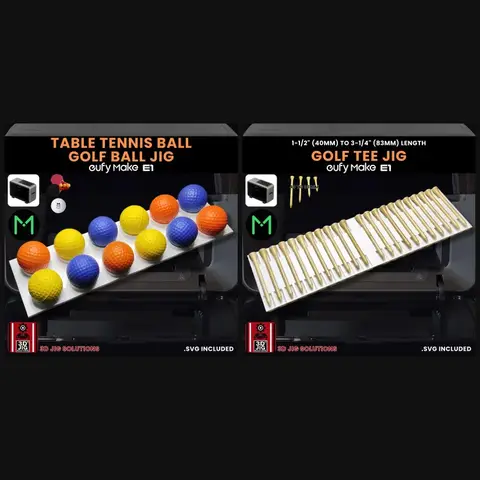
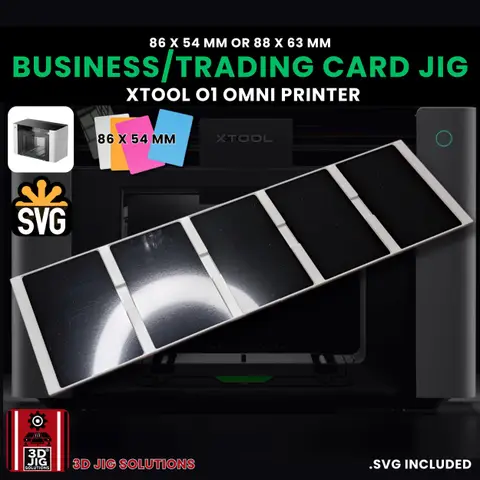
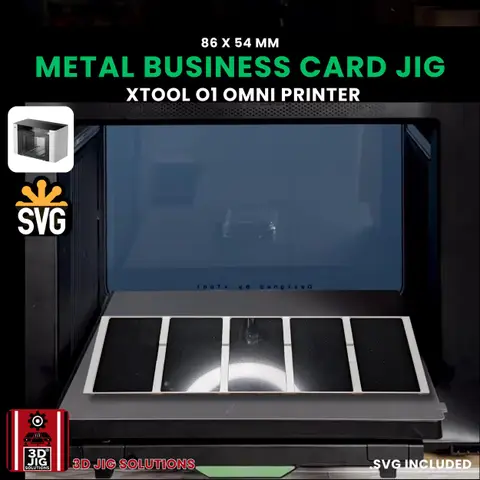
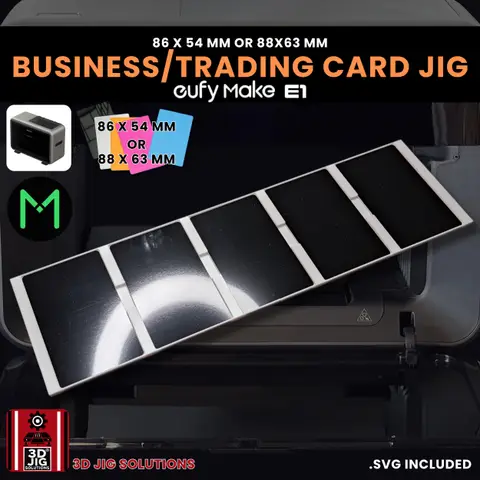
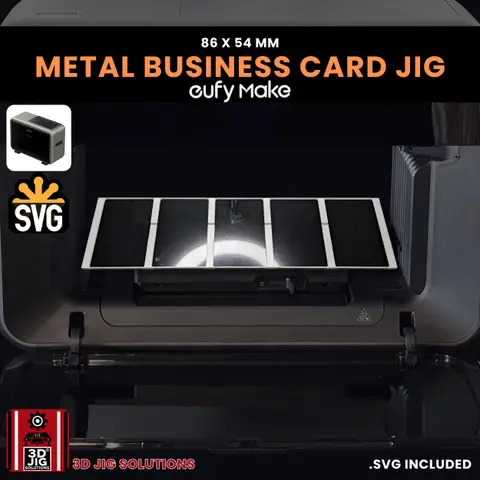
The xTool O1 Omni and the EufyMake E1 are two well-known desktop UV printers for small businesses. Both print full-colour designs onto metal, wood, plastic, leather and more, and both are well suited to personalised products like golf balls, pens, magnets and cards.
We make jigs for both, so we get asked how they compare. This guide sticks to what matters for batch production: bed size, how each printer finds your items, curved items, and how jigs fit into each workflow. Prices and features change often, so check the makers’ current pages before buying.
At a glance
| xTool O1 Omni | EufyMake E1 | |
|---|---|---|
| Print beds | Standard bed 330 x 122 mm; large bed 330 x 420 mm (per xTool) | Small and large beds; prints up to A3+ (per EufyMake) |
| Finding your items | Scans the bed to map each item | Camera snapshot of the bed, or zero point mode at fixed coordinates |
| Curved items | Rotary attachment and UV DTF transfers | UV DTF transfers; check EufyMake for current rotary options |
| Raised texture | Check xTool’s current specs | Known for raised 3D texture printing |
| Our jigs | Modular sets: 1 for the small bed, 2–4 for the large bed | Modular sets: 1 for the small bed, 2–4 for the large bed |
Finding your items: scan vs zero point
This is the biggest difference for batch work.
xTool O1 Omni. The O1 scans the bed before printing so the software can see where each item is. You then place your design on each item. A jig keeps the items in neat rows, which makes placing designs quick.
EufyMake E1. The E1 normally takes a photo of the bed to locate items, which is handy for one-offs but adds time to every print. For batches, the E1 also offers zero point mode: you calibrate a corner of the bed once, place the jig against it, and the E1 prints at fixed coordinates without the camera step. Our E1 zero point guide walks through it.
On both printers, the jig is what makes the result repeatable: every blank sits in the same place, at the same height, every time.
Bed size and batch size
Both printers have a smaller everyday bed and a larger bed for bigger runs. Our jigs for both are modular: one set fills the small bed, and 2, 3 or 4 sets fill the large bed. On the large bed you can mix different jigs, such as pens next to coins, and print them in one job.
Some of our O1 Omni jigs, such as the metal card and baseball jigs, also come as a 2-piece jig made for the large bed.
Curved items
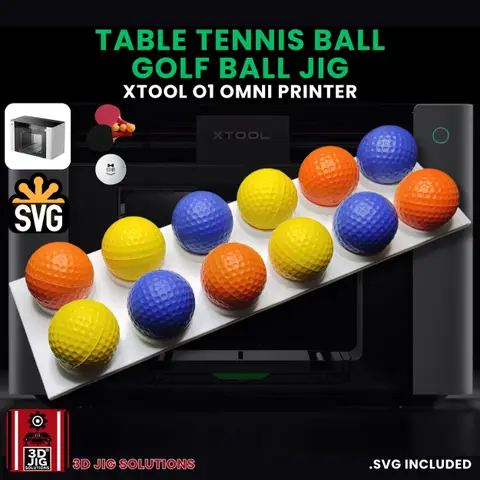
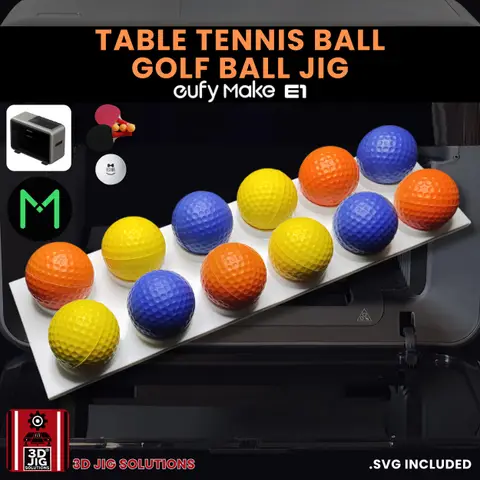
Flat-bed UV printers print best on flat or gently curved surfaces. For items like golf balls and pens, our jigs hold them still with the top facing the print head, and a compact design on the top area gives the best result.
For tumblers, cups and cans, look at each maker’s rotary or UV DTF options rather than a jig.
Jigs for each printer
Many of our jigs come in versions for both printers:
| Item | xTool O1 Omni | EufyMake E1 |
|---|---|---|
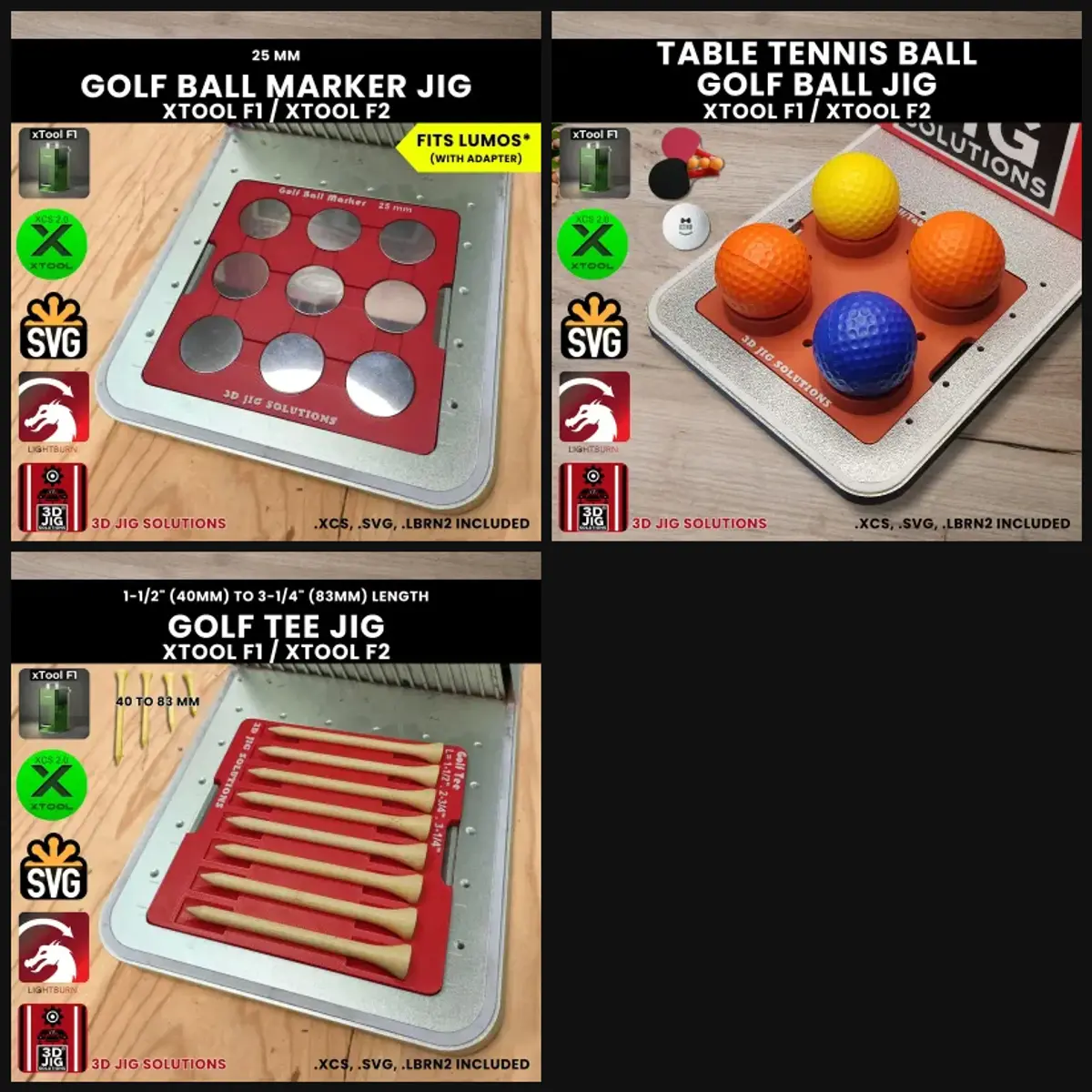
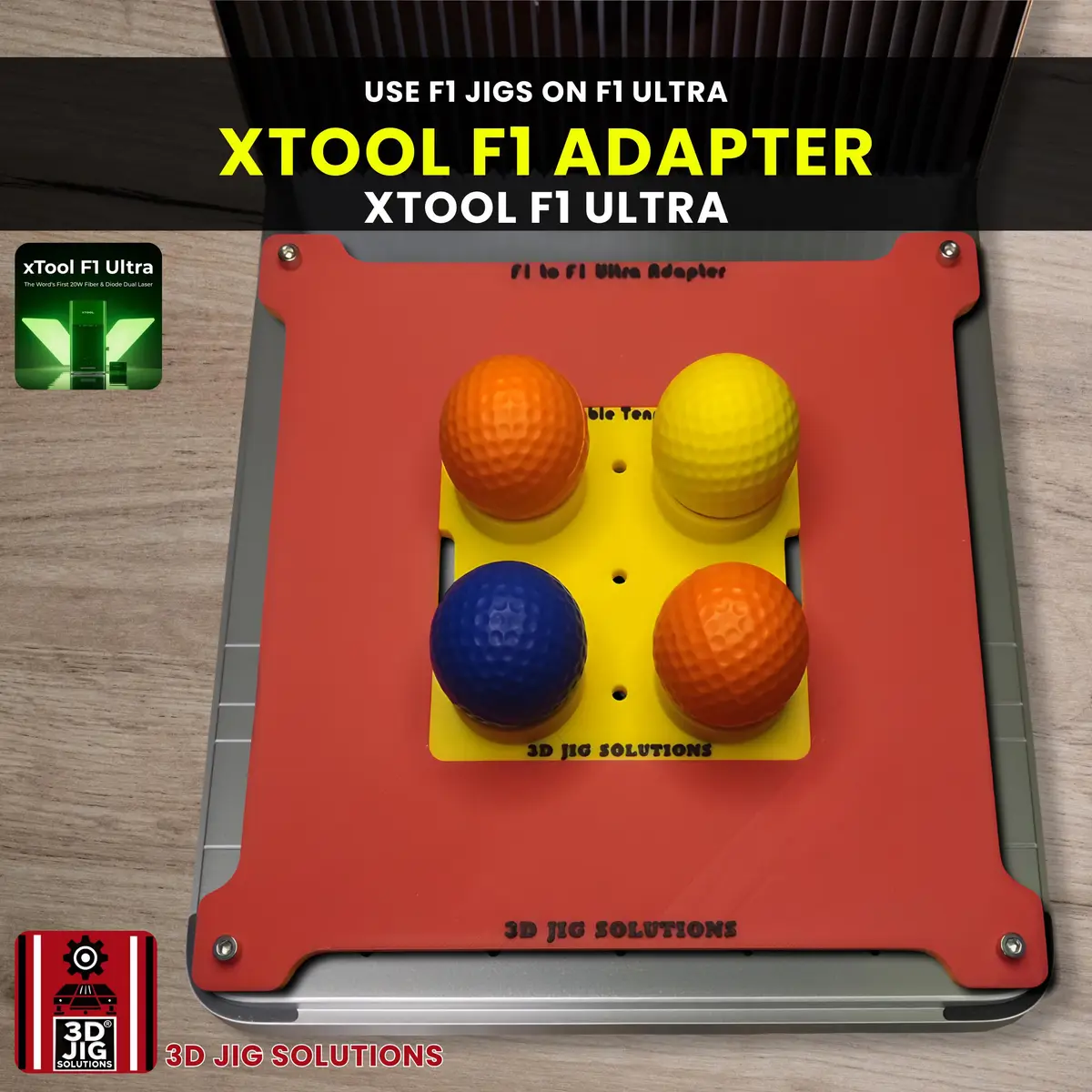
| Golf balls | O1 golf ball jig | E1 golf ball jig |
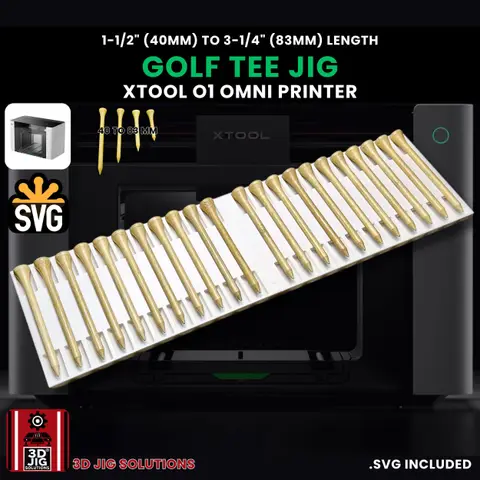
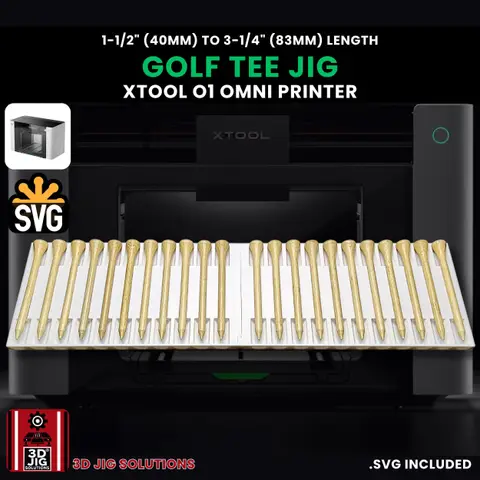
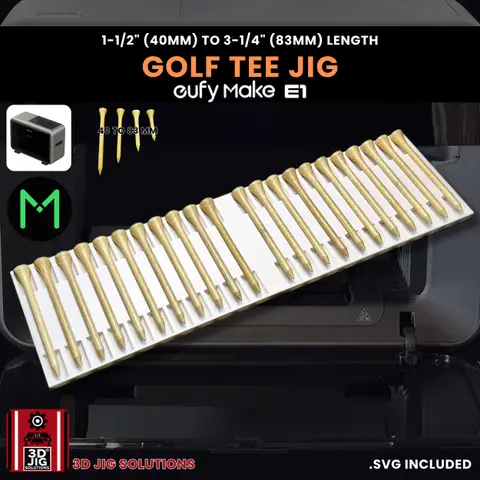
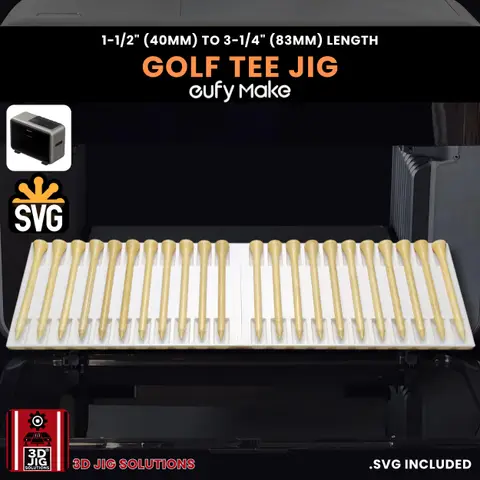
| Golf tees (22 per set) | O1 golf tee jig | E1 golf tee jig |
| Golf set (15% off) | O1 golf jig set | E1 golf jig set |
| Metal cards | O1 metal card jig | E1 metal card jig |
| Pens, 9–12 mm | O1 pen jig | E1 pen jig |
| Metal wallets | O1 wallet jig | E1 wallet jig |
| Hockey pucks | O1 puck jig | E1 puck jig |
| Baseballs | O1 baseball jig | E1 baseball jig |
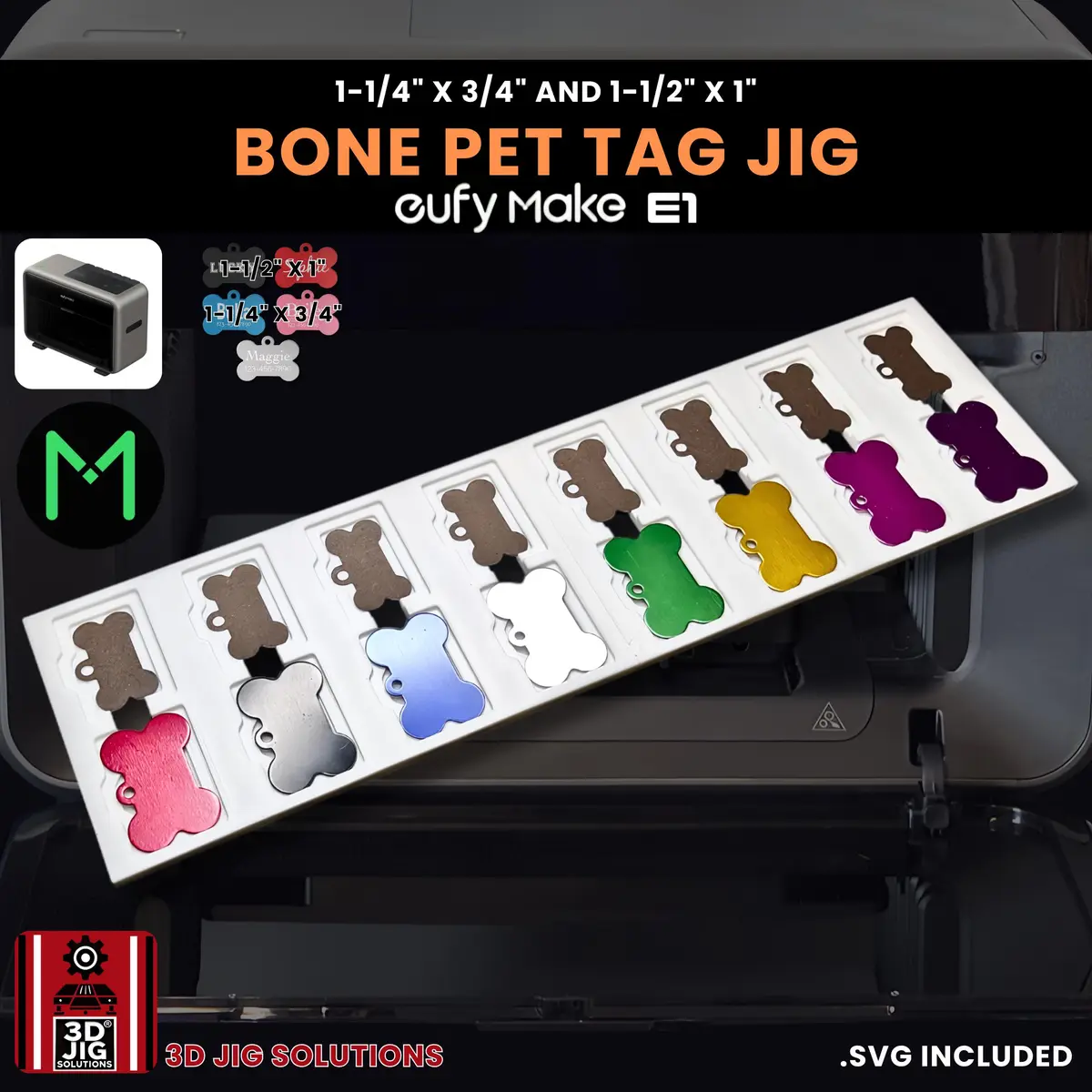
The E1 range is larger and also covers pet tags, keychains, bottle openers, hat patches, guitar picks, lighters and more. For the O1 Omni, see the xTool O1 batch printing guide.
Which should you choose?
Start from what you plan to sell:
- Mostly small flat items in bulk (tags, cards, keychains, magnets): both work well with jigs. On the E1, zero point mode can speed up repeat batches.
- Cups, tumblers and cylinders: compare the rotary and UV DTF options each maker currently offers.
- Raised texture effects: look at each printer’s texture features and sample prints.
Whichever you choose, we make jigs for it. Shop xTool O1 Omni jigs or EufyMake E1 jigs, or ask for a custom jig.
Questions and answers
Can I use E1 jigs on the O1 Omni, or the other way round?
No. The two printers have different beds, so each jig is made for one printer. Choose from our xTool O1 Omni or EufyMake E1 section.
Which printer is better?
It depends on what you make. Both print full colour on flat and small items, and both work well with jigs. Compare the bed sizes, curved-item options, software and price against the products you plan to sell, and check recent owner reviews before buying.
Do jigs work the same way on both printers?
Mostly. On both, the jig holds blanks in fixed, level rows so you can fill the bed. The difference is positioning: the O1 Omni scans the bed to find your items, while on the E1 you can also use zero point mode to print at fixed coordinates and skip the camera step.
Do you make the same jigs for both printers?
Many of them: golf balls, golf tees, baseballs, hockey pucks, pens, coins, metal cards, metal wallets, coasters and magnets. The E1 range also includes pet tags, keychains, bottle openers, hat patches and more.