The xTool O1 Omni brings full-colour UV printing to a desktop: logos, photos and artwork printed straight onto metal, wood, plastic, leather and more. It’s ideal for small personalised items like golf balls, pens, coins and fridge magnets.
The challenge is the same as on a laser: small items move, roll and sit unevenly, and lining up a dozen of them by hand takes longer than the print. A jig holds every blank in a fixed spot so you can fill the bed and print the whole batch in one job.
Why use a jig on a UV printer
- Fill the bed. A jig packs blanks in neat rows, so one print run covers far more pieces than lining them up by eye.
- Round items stay put. Golf balls, pens and baseballs can’t roll while the print head passes over them.
- Everything sits level. Blanks sit at a consistent height and angle, which helps the printer produce an even result across the batch.
- Repeat orders are quick. The jig puts blanks in the same place every time, so your layout from the last order still lines up.
Small bed or large bed
The O1 Omni comes with a standard bed and has a larger bed option. Our O1 jigs are modular:
- 1 set fits the standard (small) bed.
- 2, 3 or 4 sets fill the large bed. You can also mix different jigs there, for example pens and coins side by side.
- 2-piece large-bed jigs are available for some items, such as metal cards and baseballs.
Choose your set size on the product page.
What you can batch print
| Item | Our O1 Omni jig |
|---|---|
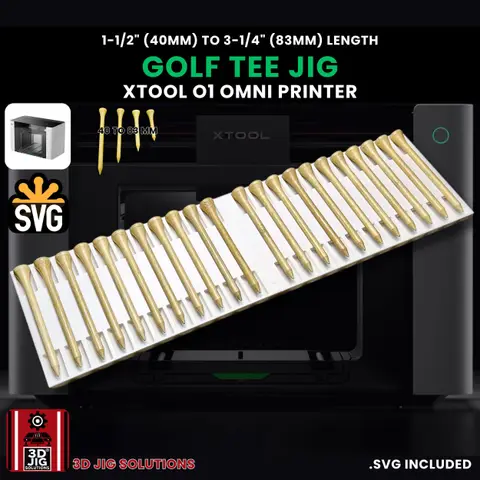
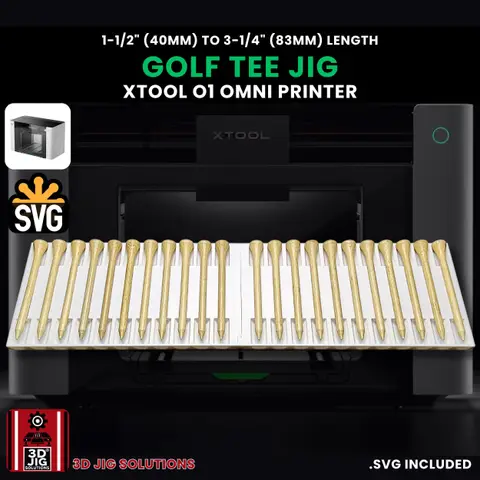
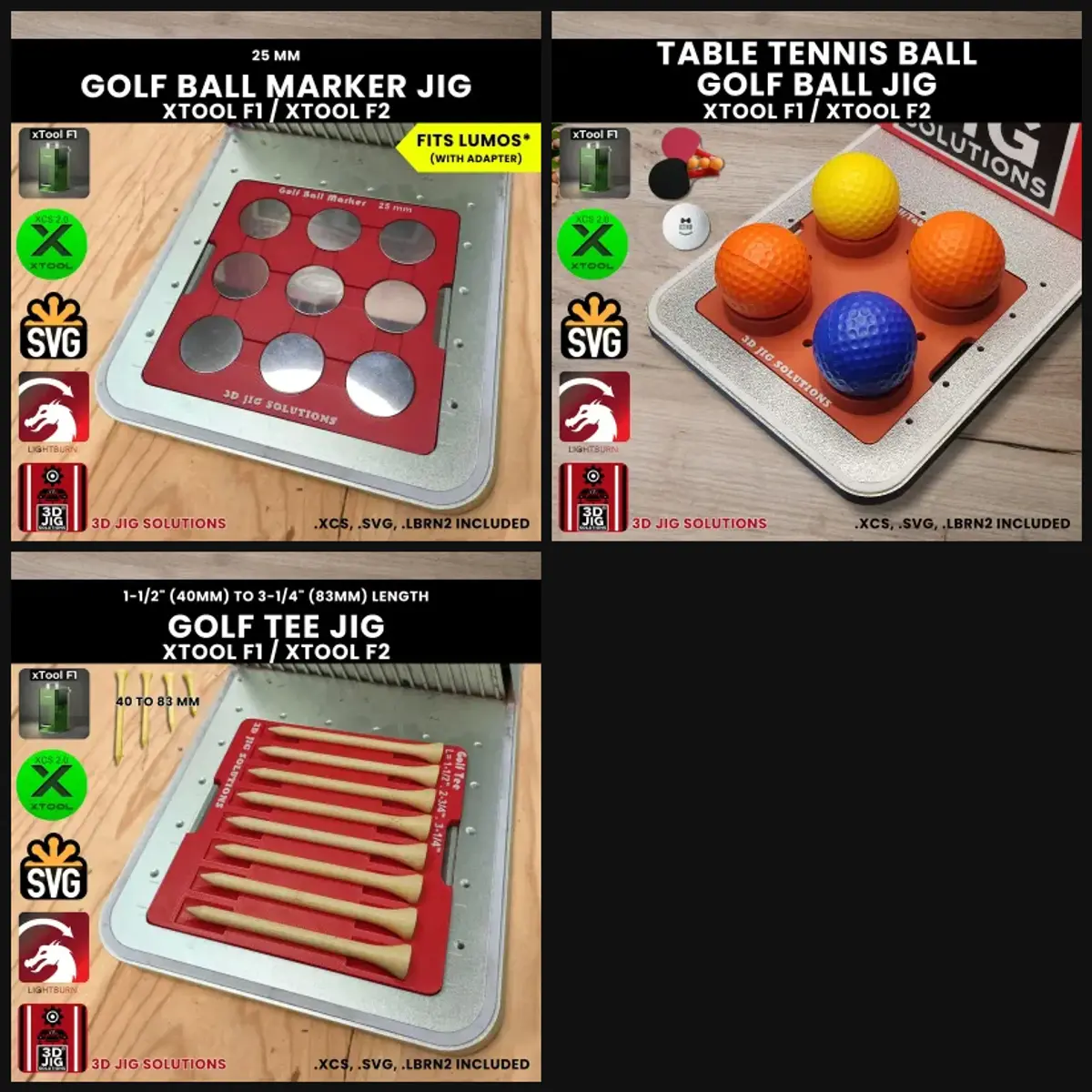
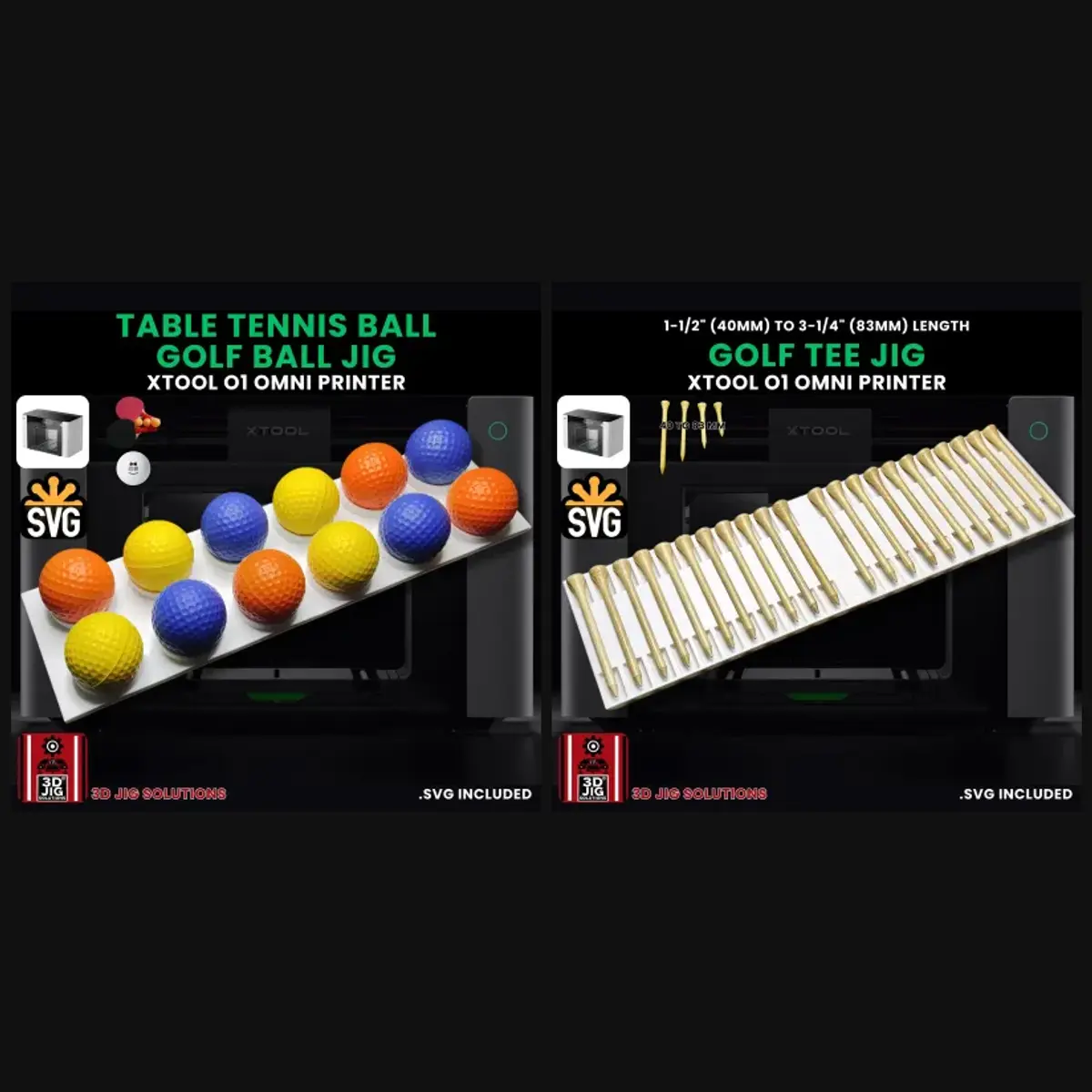
| Golf tees | 22 tees per set, 40 to 83 mm long |
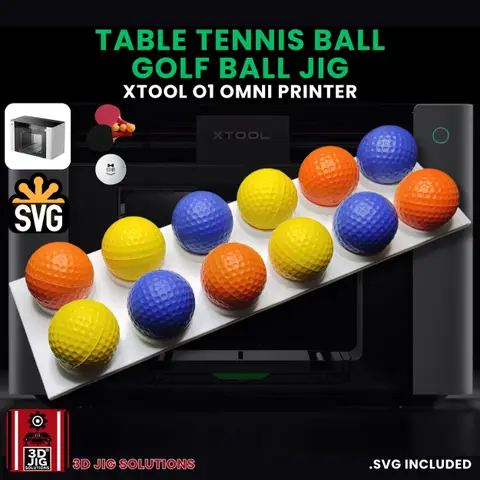
| Golf balls and ping pong balls | Golf ball jig |
| Baseballs, softballs, pickleballs | Baseball jig |
| Hockey pucks | 3” puck jig |
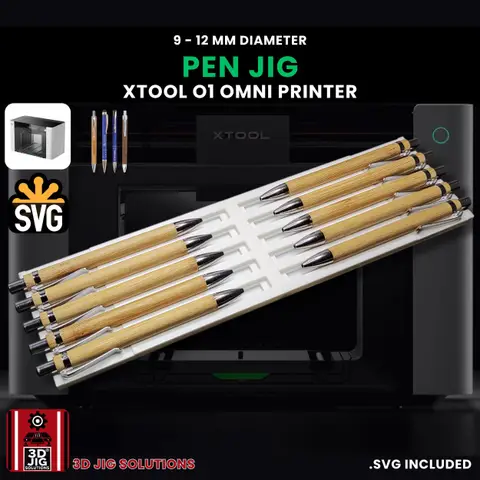
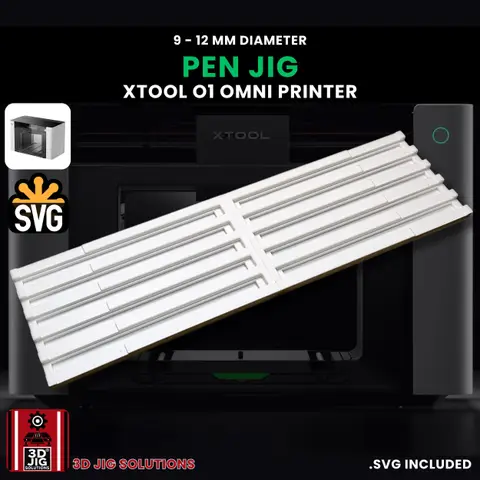
| Pens | Pen jig for pens 9 to 12 mm across |
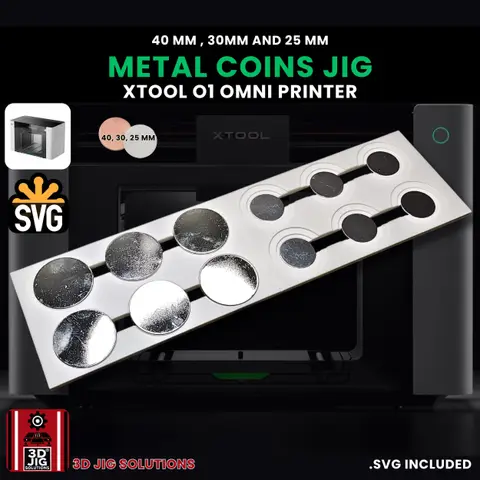
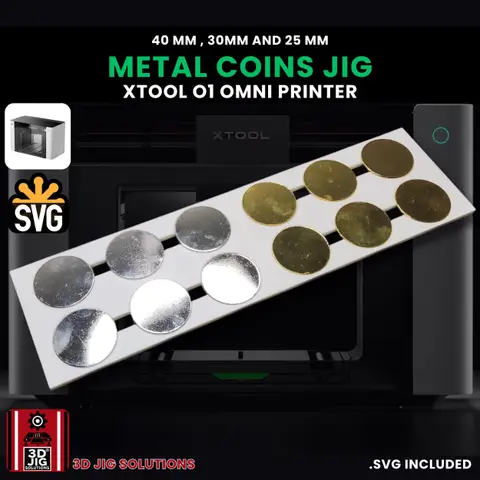
| Coins, tags and pendants | Coin jig, 25 to 50 mm |
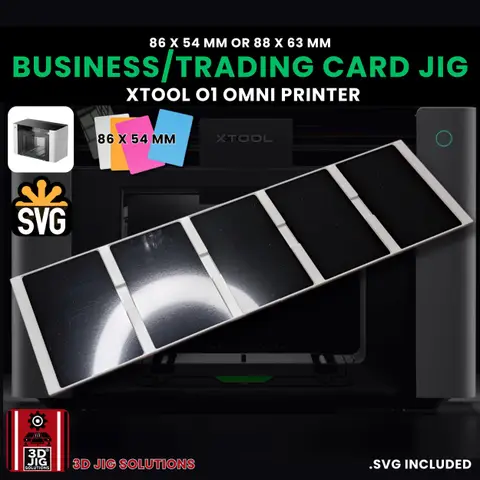
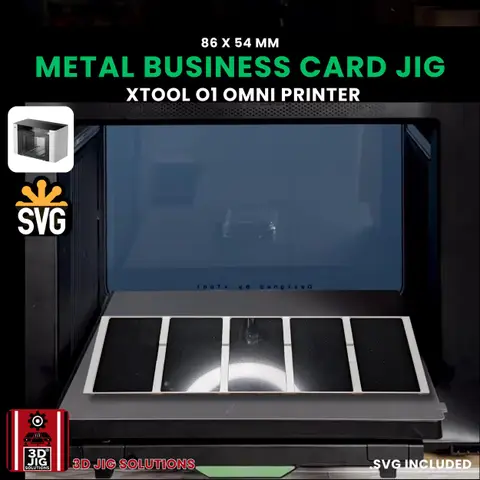
| Business, trading and sports cards | Metal card jig |
| Metal wallets | Wallet jig for 85 x 54 mm Ridge-style and RFID wallets |
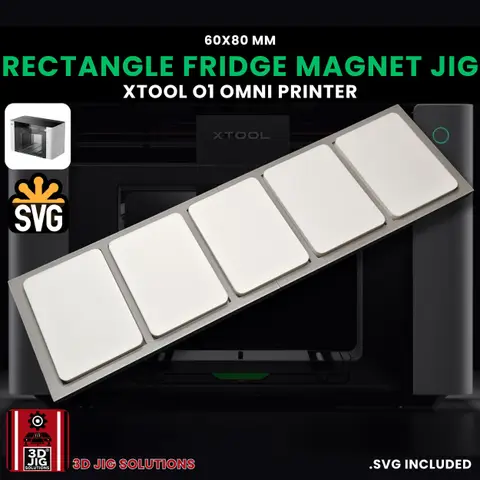
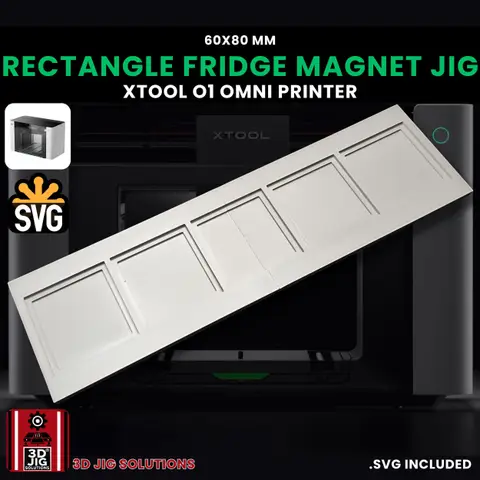
| Fridge magnets | 80 x 60 mm (5 per set) and 56 x 56 mm xTool ceramic magnets |
| Coasters | Coaster jig for 4” slate or 4-1/4” ceramic |
Golf is a natural fit: the O1 Omni golf jig set pairs the golf ball and tee jigs at 15% less than buying them separately.
Batch printing, step by step
- Place the jig. Set the jig (or several sets) on the print bed. Put it in the same spot each time if you can, so your saved layouts still match.
- Load the blanks. One item per slot, seated fully, with the side you’re printing facing up. Clean each blank first: dust and fingerprints can affect how the ink sticks.
- Scan the bed. Let the O1 Omni scan the bed so it can see where each blank is.
- Place your designs. Put a design on each blank in xTool’s software. With a jig, every blank is in a neat row, which makes this quick.
- Print. Run the job. If it’s a new material, follow xTool’s guidance on primer or coatings for that material, and print a test piece first.
- Unload and reload. Lift the finished pieces out, load fresh blanks into the same slots and print the next batch.
Tips for better results
- Keep designs inside the blank. Leave a small margin so ink doesn’t land on the jig.
- Mind round items. On golf balls, pens and baseballs, keep the design to the top area, where the surface is closest to flat.
- Buy blanks from one supplier. Sizes vary between brands. Consistent blanks fit the jig the same way every time.
- Save your layouts. Save the project for each jig so a repeat order is just a matter of swapping artwork.
Need something else?
See every jig in our xTool O1 Omni section. Have a blank we don’t cover? We design custom jigs for UV printers too.
Questions and answers
How many jig sets do I need for the O1 Omni?
One set fills the standard (small) bed. For the large bed, choose 2, 3 or 4 sets. Some jigs, like the metal card and baseball jigs, also come as a 2-piece jig made for the large bed.
Can I mix different jigs on the large bed?
Yes. Each set is a separate piece, so you can put, for example, a set of pen jigs next to a set of coin jigs and print both in one job.
Do the O1 Omni jigs come with template files?
No. The O1 Omni scans the bed before printing, so you place your designs on the scanned image of each blank in xTool's software. The jig's job is to hold every blank in the same place, flat and still.
Do the magnet jigs fit any magnet?
They're made for the ceramic magnets sold by xTool: the 80 x 60 mm rectangle and the 56 x 56 mm square. Magnets from other suppliers may differ, so check the size first.
Can I print on curved items like tumblers?
Our jigs are for flat and small round blanks on the print bed. For cups, cans and other cylinders, use xTool's rotary attachment or UV DTF transfers.